Every job, against its address
A leak reported on Monday, a contractor who said Wednesday, and a tenant who has now called three times. Maintenance work spread across buildings is exactly the shape of work that disappears between messages.
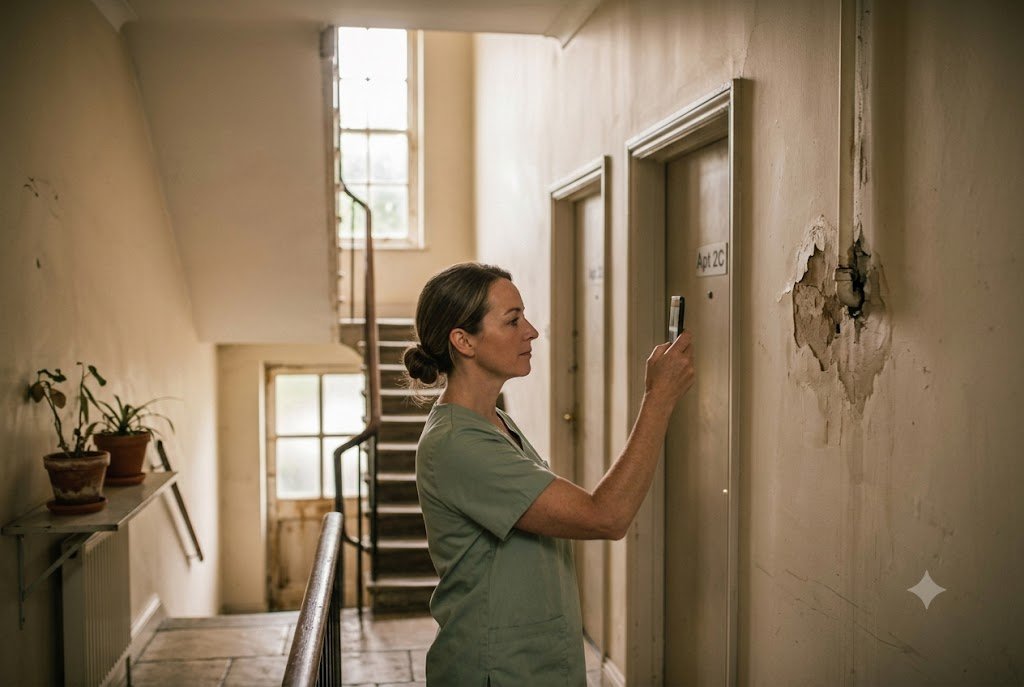
For property management, Bosun tracks maintenance and lettings work with the address kept in every job title, so a job is findable by the building it belongs to. Contractors who have gone quiet show up as blocked with the reason recorded, tenants' repeat reports are visible against the same address, and the owner gets a morning list ordered by what has stalled longest.
- Typical departments
- Maintenance, lettings, accounts
- Kept in job titles
- Addresses, unit numbers
- Surfaces
- Jobs waiting on a contractor
- Chases
- Overdue jobs and callbacks
- Installed by staff
- Nothing
The work spread across buildings
Maintenance by address
"Leak in 14b, second time this month" - the address stays in the title, so the pattern is visible later.
Contractors gone quiet
A job blocked "waiting on the plumber to confirm" is on your list the same morning, with how long it has sat.
A photo against the address
A picture of the damp patch or the finished repair is attached to that job, so a disputed report six weeks later has something behind it.
Tenant callbacks
The promise to ring somebody back, chased privately until it is actually made.
Inspections and certificates
Safety checks and renewals set up once as recurring work, so they appear before the date rather than after one has lapsed.
Turnarounds
The sequence between tenancies - clean, repair, photograph, list - as separate tracked steps.
Policy questions
"What can I authorise without asking?" answered from your own limit, with the figure quoted exactly.
This morning
- Oldest open
- 23 days - 14b leak
- Blocked longest
- 11 days - plumber
- Overdue
- 6
- Repeat addresses
- 2
- Certificates due
- 1 this month
How long has this been sitting
In property maintenance, the damaging jobs are not the ones that are late by a day. They are the ones that have been open for three weeks because a contractor said they would call back and nobody followed up - and the tenant has now reported it twice.
So the dashboard leads with age and with blocked reasons, not with a tidy count of open jobs. The oldest open job and the longest-blocked job are on the morning briefing, because those are the two that turn into a complaint.
- The oldest open job is named in every morning briefing
- Blocked jobs show what they are blocked on and for how long
- A repeat report against the same address is visible, because the address is in the title
- The weekly review shows whether the backlog grew or shrank
From nothing to running, in about a week
-
1
We talk for an hour
How your portfolio is divided, who does what, and the three things that get dropped most often.
-
2
We install and connect it
Your server, your WhatsApp number, your AI account, your domain. On your accounts, with the passwords handed to you.
-
3
We load your procedures
Whatever you already have written, converted and indexed. Whatever you do not, we start from a template for your trade.
-
4
You send one message
Your team gets told the number exists and what to send it. There is no training session, because there is nothing to teach.
Built for busy teams
On this page
Can contractors use it too?
Not as things stand - it refuses numbers that are not on your staff roster, by design, so it is not a contractor portal. Your staff record what a contractor said, which is where the chasing needs to happen anyway.
Does it replace our property management system?
No. Your existing system holds tenancies, rent and accounts. Bosun holds the maintenance work and the chasing, which is the part that currently lives in messages.
Can I see everything for one building?
Yes, if the address is in the job titles - and it will be, because staff naturally type it. Search the address in the dashboard and every job for it comes back with its history.